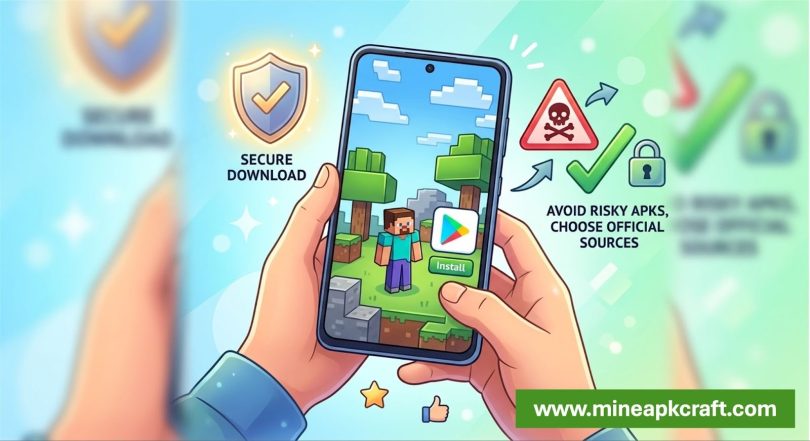

Minecraft APK download is one of the most searched phrases among Android gamers who want to play the popular sandbox game on their phones or tablets. While the idea of grabbing an APK file and installing it quickly sounds convenient, there are important things to understand about safety, legality, and the best way to get the real Minecraft experience on Android.
What an APK actually is
An APK (Android Package Kit) is simply the installation file used by Android to install apps. When you download Minecraft from the Google Play Store, it is also delivered as an APK—but in a secure, verified way. Third‑party “Minecraft APK download” sites offer the same kind of file, often claiming to give you the latest version, mods, or even “free” access to the paid game.
Why people search for Minecraft APK
Many players turn to APK sites because they want:
- Immediate access without going through the Play Store.
- “Free” or modded versions that supposedly unlock premium features.
- Older versions or special builds that are no longer easy to find officially.
However, these shortcuts can carry serious risks, especially when the APK does not come from Mojang or an official partner.
Safety and security risks
Security experts warn that unofficial Minecraft APK download can contain malware, spyware, or adware that steal personal data or hijack device resources. Some fraudulent APKs have even been used to spread banking trojans or bots that turn infected devices into part of a larger network.
In addition, modded or cracked APKs may:
- Violate copyright and the game’s terms of service.
- Break multiplayer features or block you from official servers.
- Lack regular security updates, leaving your device exposed over time.
The safest way to get Minecraft on Android
The safest and most reliable way to install Minecraft on an Android device is through the official Google
Play Store. This ensures:
- Verified authenticity (the file truly comes from Mojang).
- Automatic updates and security patches.
- Access to cloud saves, official servers, and proper customer support.
If you absolutely must use a third‑party APK, stick to well‑known, reputable APK repositories that check file signatures and provide community feedback, and always scan the downloaded file with a trusted antivirus app before installing.
How to install Minecraft APK (if you choose to)
If you decide to install a Minecraft APK from a trusted source, the general steps are:
- Download the APK to your device.
- Enable “Install from unknown sources” in your Android settings.
- Open the downloaded file and tap Install, then grant the necessary permissions.
- After installation, keep the file and consider disabling “unknown sources” again for security.
Even if you install an APK this way, remember that only the official version offers full support, updates, and a safe multiplayer experience.
Final thoughts
Searching for “Minecraft APK download” is common, but it is important to weigh convenience against safety and legality. Whenever possible, install Minecraft from the Google Play Store or Mojang’s official website to avoid malware, bans, and unstable versions. For a blog audience, the key message is simple: save time and trouble and protect your device by going straight to the official source instead of third‑party APK sites.